Serato SLAB review by David Michael of Passionate DJ.
AlphaTheta + Serato SLAB Review
The AlphaTheta SLAB is designed to give you intuitive control over Serato Studio, for speedy and confident music production.
Whether you’re a beginner producer, an experienced beat-maker, or a DJ that just likes to dabble, the SLAB brings much more usability to the Serato Studio environment.
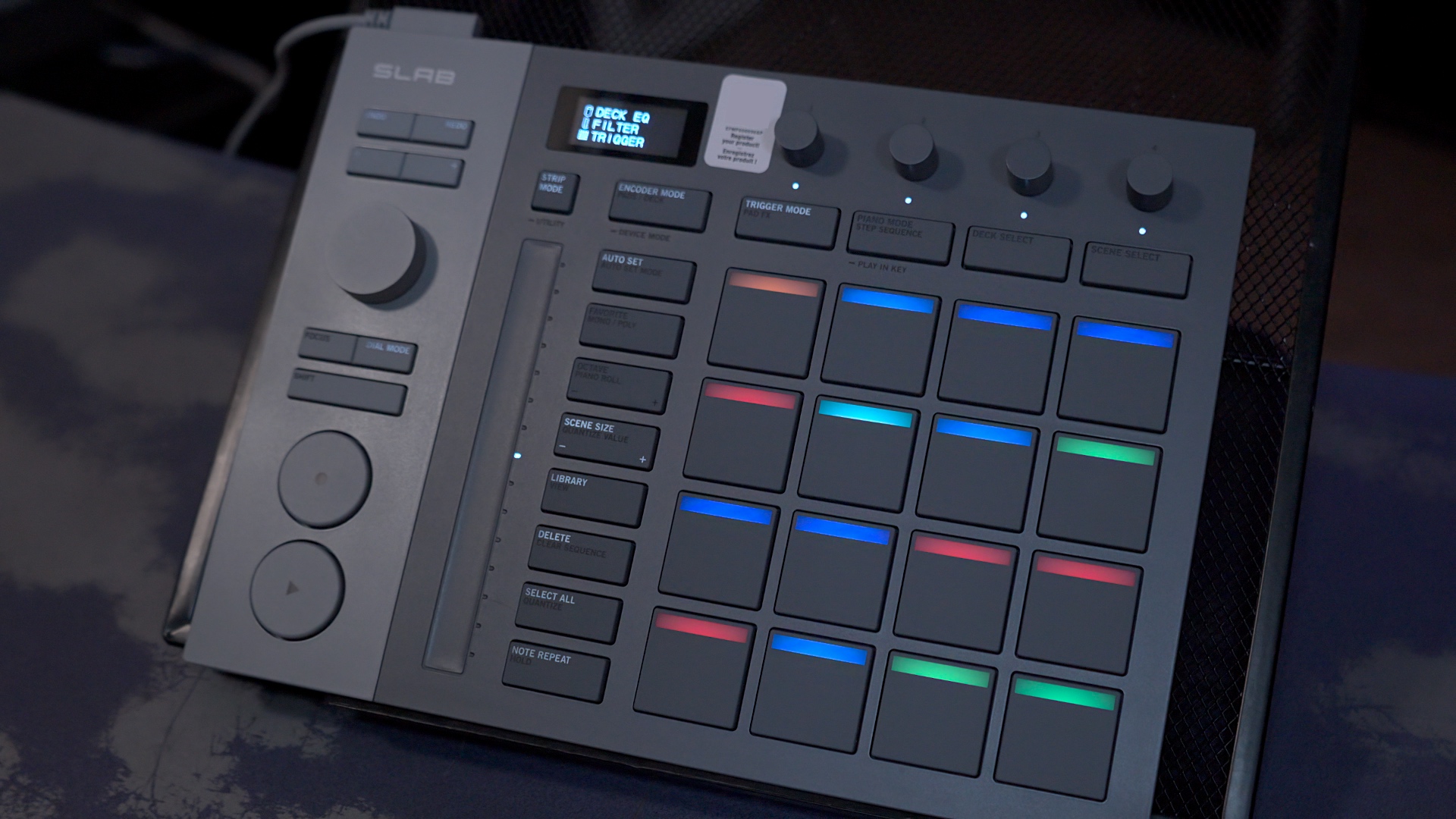
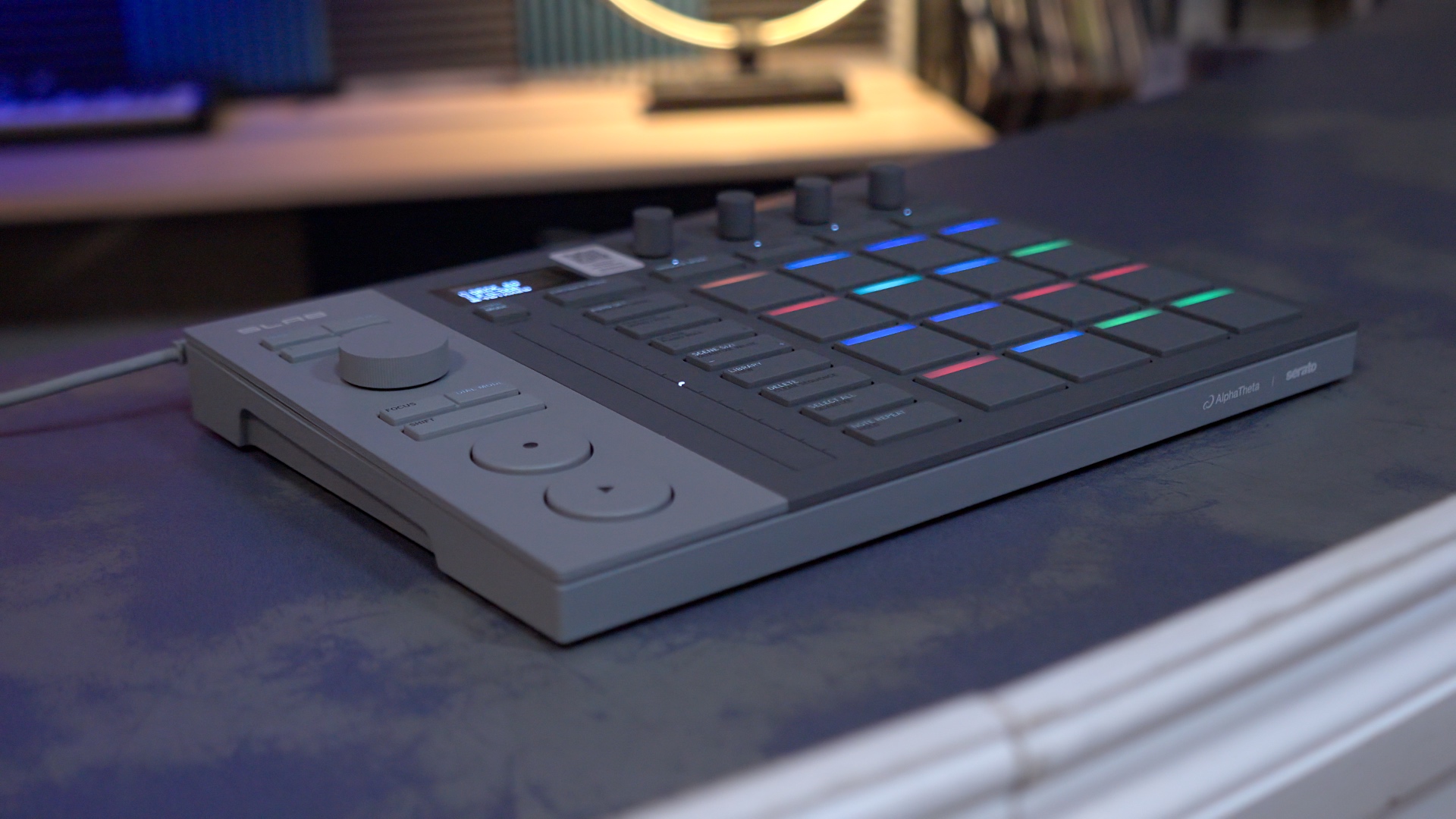
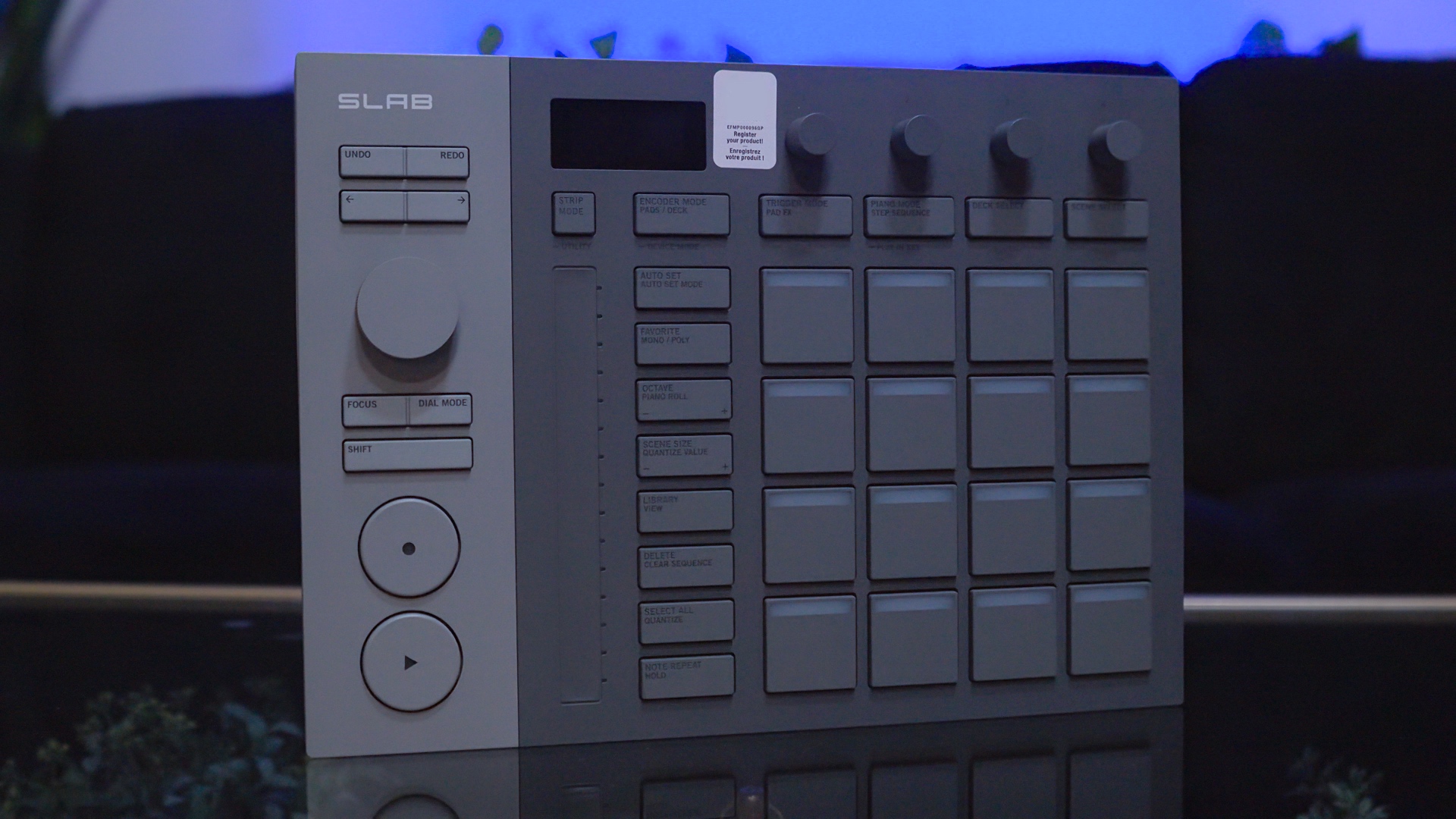
It’s a slim, lightweight controller with a clean, minimalistic grey aesthetic. The crispy OLED display lets you see real-time information about the adjustments you’re making. The 4 touch-sensitive dials at your fingertips give you direct access to EQ, stems, effects, and parameter controls.
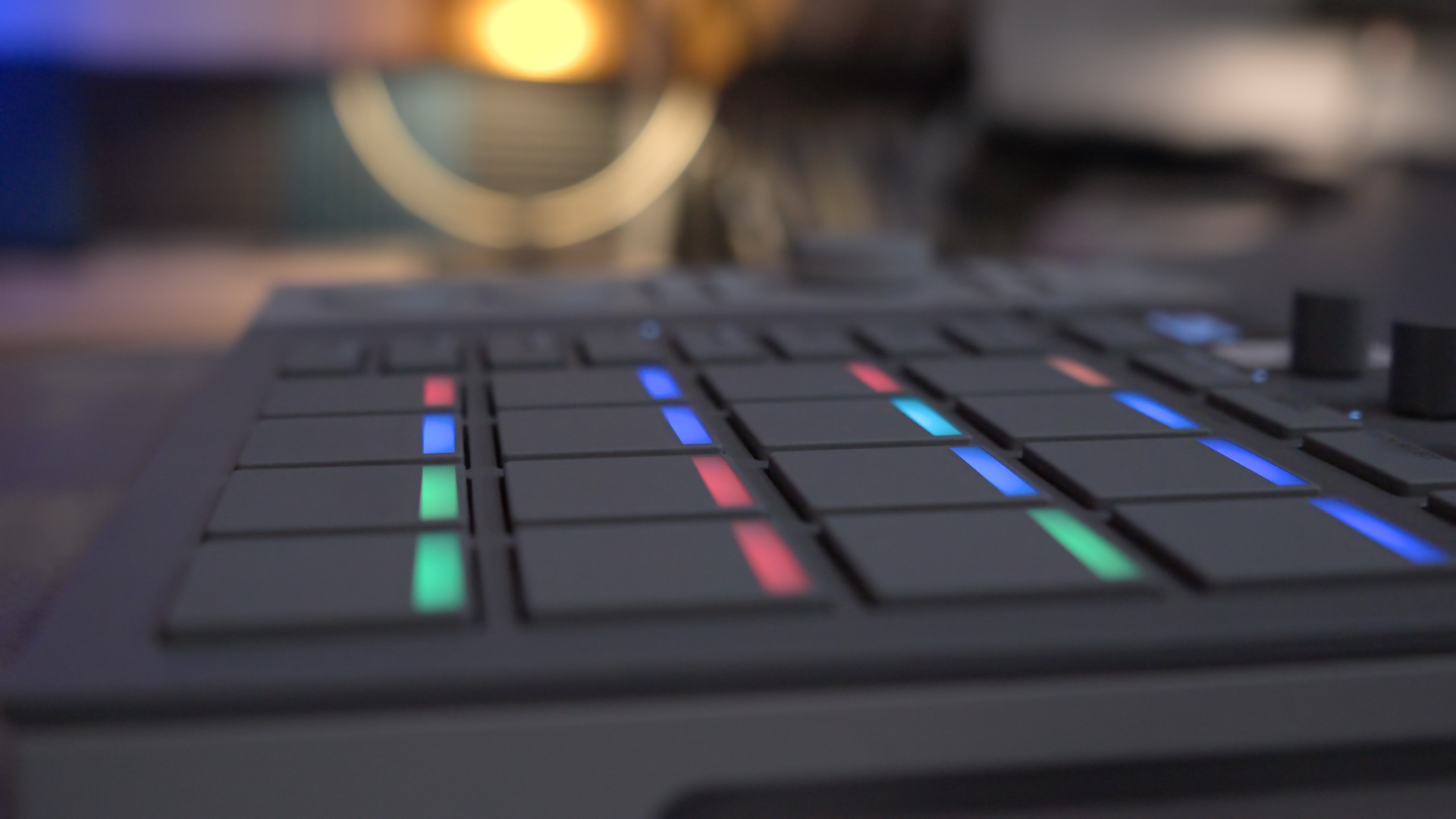
The star of the show is the SLAB’s 16 highly responsive performance pads, which support several different modes. These are, of course, RGB-backlit so that the buttons are color-matched to whatever’s happening on your laptop screen.
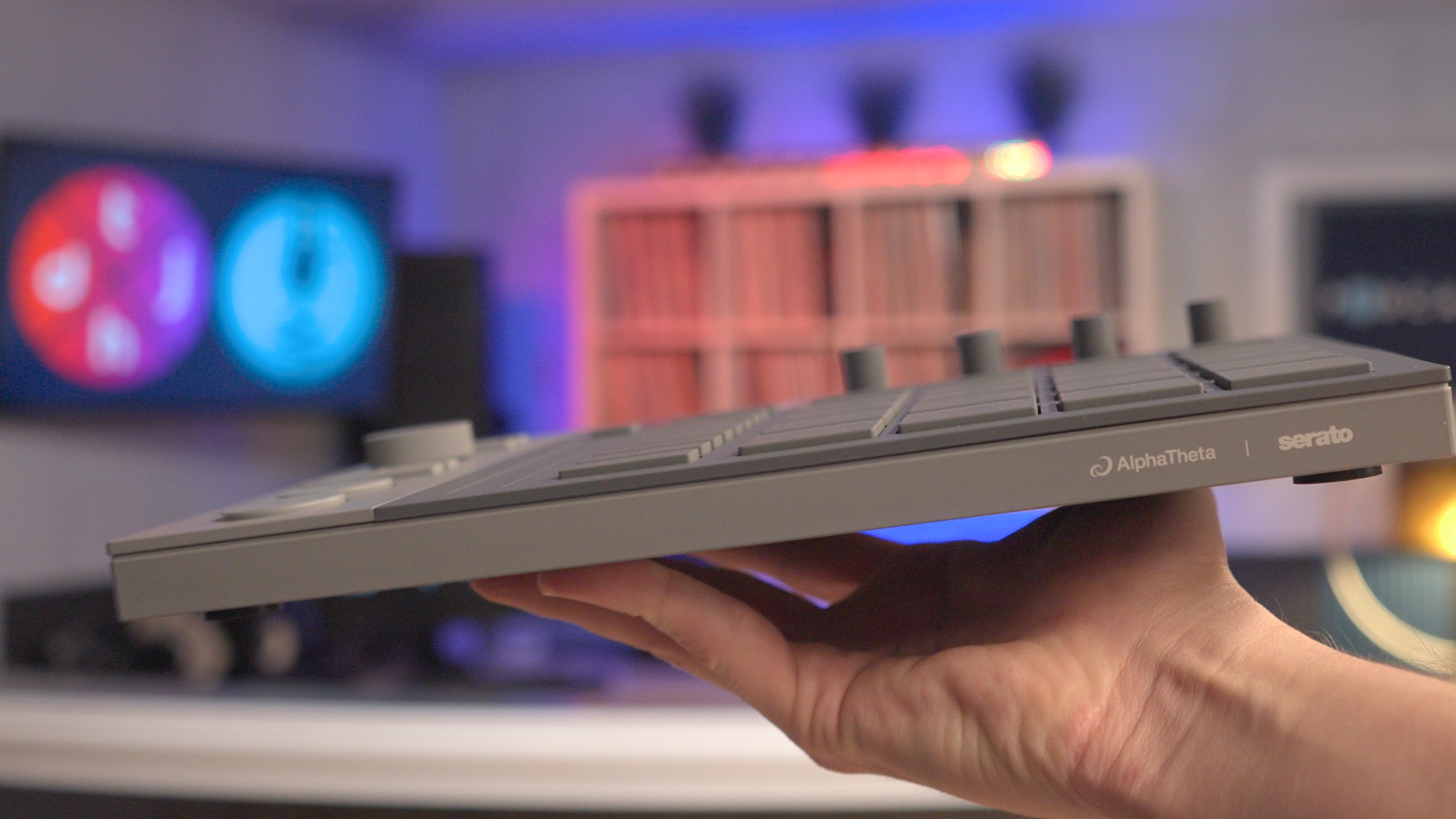
With a compact body smaller than a standard sheet of letter paper, and a sleek intuitive layout, the SLAB is intended to be a comfortable portable studio environment, at home or on the go.
Using AlphaTheta SLAB With Serato
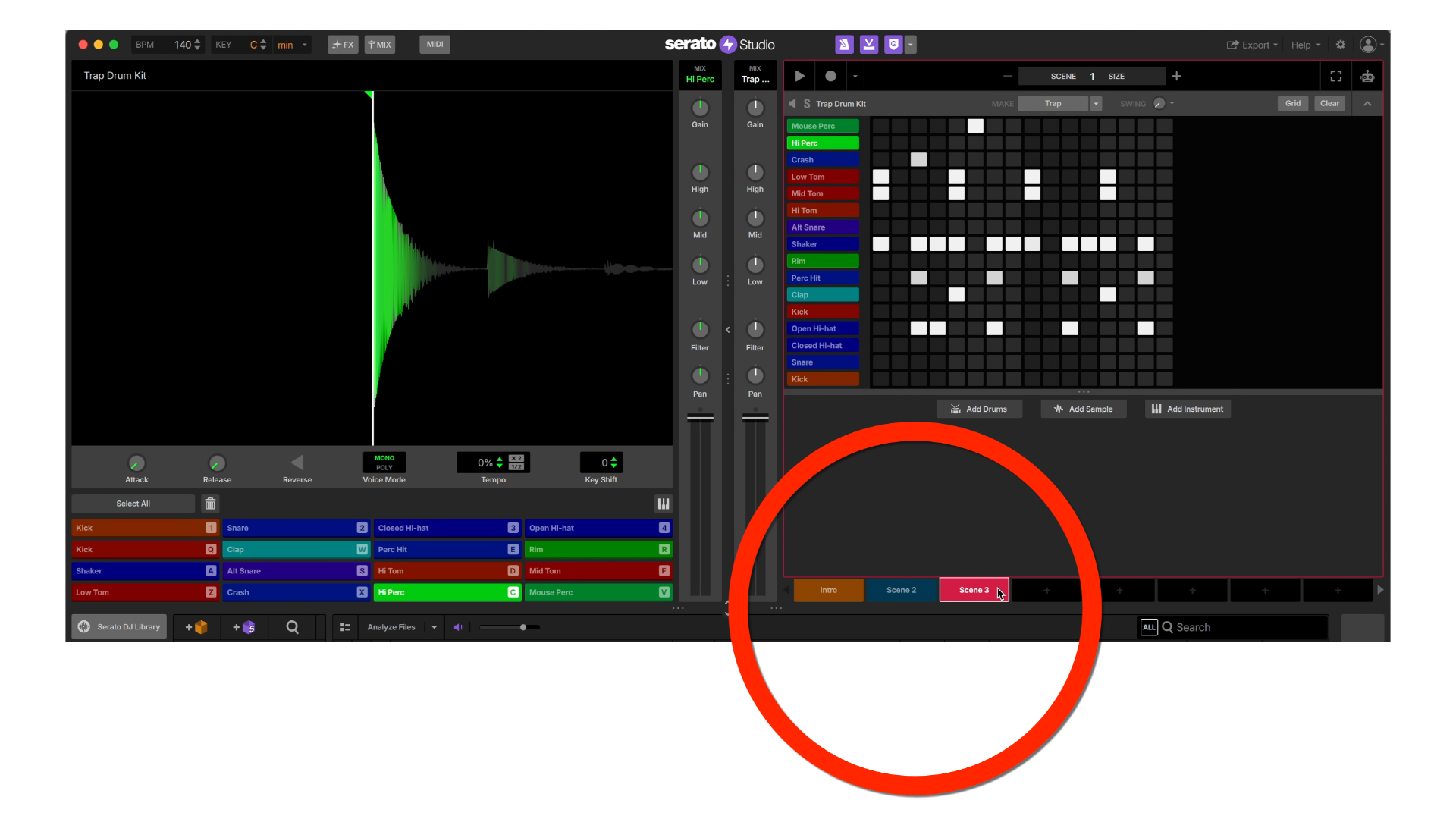
Like other loop-based production suites, Serato Studio works by building a single Scene at a time.
A Scene is a small chunk of song (for example, four bars). You build each Scene using samples, loops, instruments and plugins.
Once you’ve created some Scenes, you can “paint” them together in Song View. Thus creating the structure of your full song.
The large dial on the left can be used for scrolling through sampled audio, lending speed and flexibility to the sampling process.
Thanks to a feature called Focus Control, you can even control third-party plugins (VSTs), directly from SLAB. Simply move the mouse pointer over a parameter on your screen and use the dial to control it instantly.
The SLAB has a bunch of different modes that allow you to use Serato Studio however you wish. It supports sampling, sequencing, live-looping, arranging, and stems control.
There’s also a Pad FX mode, which lets you apply effects to sounds by tapping one of the beat pads.
Features & Layout
The SLAB feels well-built, and its compact size means it fits well into any setup. It’s smaller than a standard A4 sheet of paper, and powered by a single USB-C cable (included).
Visual & Tactile Feedback
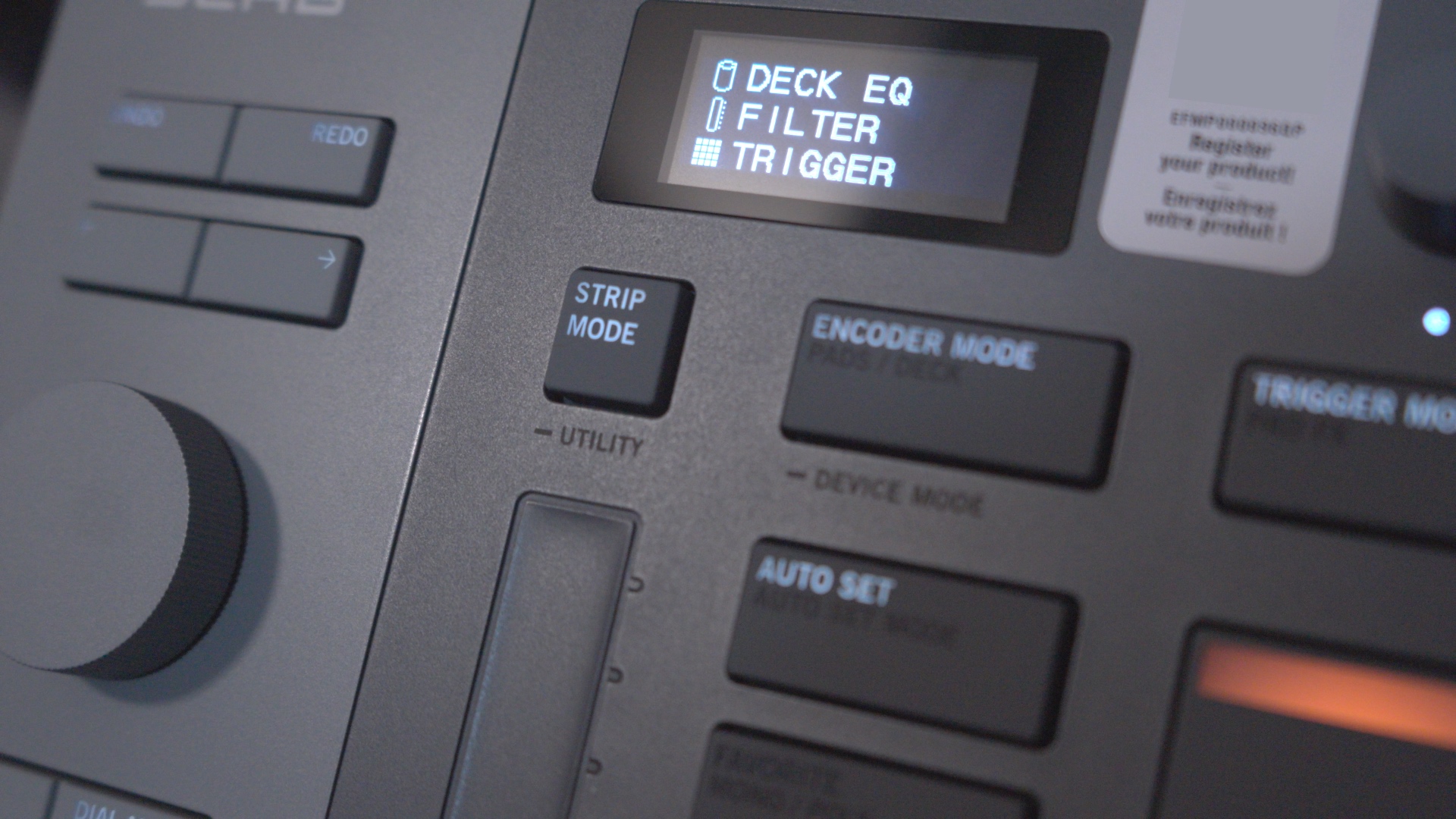
Atop the Serato SLAB, you’ll find a crispy OLED display which shows realtime information about whatever you’re adjusting.
In addition, there are four touch-sensitive dials across the top right. This provides direct access to the EQs, stems, effects, and other parameter controls.
When you touch one of these dials, the current assignments are shown on the display. This allows for fast and easy manipulation of the controls without getting lost in the laptop screen.
Alongside the beat pads, you’ll find a nice long touch strip. This allows you to modify sounds (pitch bending, filter sweeps, etc.) while freeing up your other hand to use the beat pads.
Highly-Responsive Beat Pads
The 16 velocity-sensitive beat pads are the star of the show. You can use these for hammering in beats in realtime, for adding FX, or for sequencing.
These pads are quite sensitive. It responds to the gentlest tap, but responds with “ooph” if you give it a good whack. And there’s a noticeable range between these extremes.
These pads have RGB backlighting, which not only looks nice, but helps you match each pad with whatever’s happening in Serato Studio.
See the video above ⬆️ for demonstrations of the beat pads.
Stems Control
You can control the volume of individual parts in the same track –such as vocals, melody, drums, and bass – via the Stems Level feature.
Using the four dials, you can access these individual parts directly on the hardware, using Serato’s (really good) stem separation technology.
This works in Serato DJ Pro, too. This is appealing because it allows you to control the precise level of stems, without tying up your EQ knobs for this purpose.
Integration with Serato Applications
That’s right, not only does the SLAB work with Serato Studio, but it works with Serato Sample and Serato DJ Pro as well.
It serves as an OSA (Official Serato Accessory) for Serato DJ Pro, and can be used to control stems, the sampler, hot cues or other functions within that software.
Who It’s For
Of course, it’s for Serato Studio users waiting for a piece of hardware!
I’m not sure how many of those there are, quite yet. So, I’m sure that both AlphaTheta and Serato are hoping that this will be a gateway drug for DJs who are interested in getting into production.
The price point feels appropriate – just about the right value. Especially when you consider that it unlocks the full version of Serato Studio, and works as a nice little side-piece in Serato DJ Pro.
The SLAB offers an opportunity for budding producers who are looking for an intuitive Digital Audio Workstation at an affordable price. Especially for those who are already Serato DJs!
Wrapping Up
During my time on the AlphaTheta SLAB, I found that the device was good at “getting out of its own way”.
That is to say: the layout makes sense, everything is well-labeled, and experienced producers should already understand how it works.
The design of the SLAB is smart. It’s meant to be intuitive, not revolutionary. Serato Studio simply needed something to break producers away from the keyboard and mouse.
There’s real value in the fact that the SLAB is an unlock device for the full version of Serato Studio. And it truly looks nice alongside my other DJ and production gear (while not really matching it, aesthetically).
This kind of device is crucial for the adoption of Serato Studio as a serious contender in the DAW space. Overall, AlphaTheta has helped them knock this one out of the park.