

Pioneer DJ DJS-1000 - Performance DJ Sampler
- Standalone DJ sampler
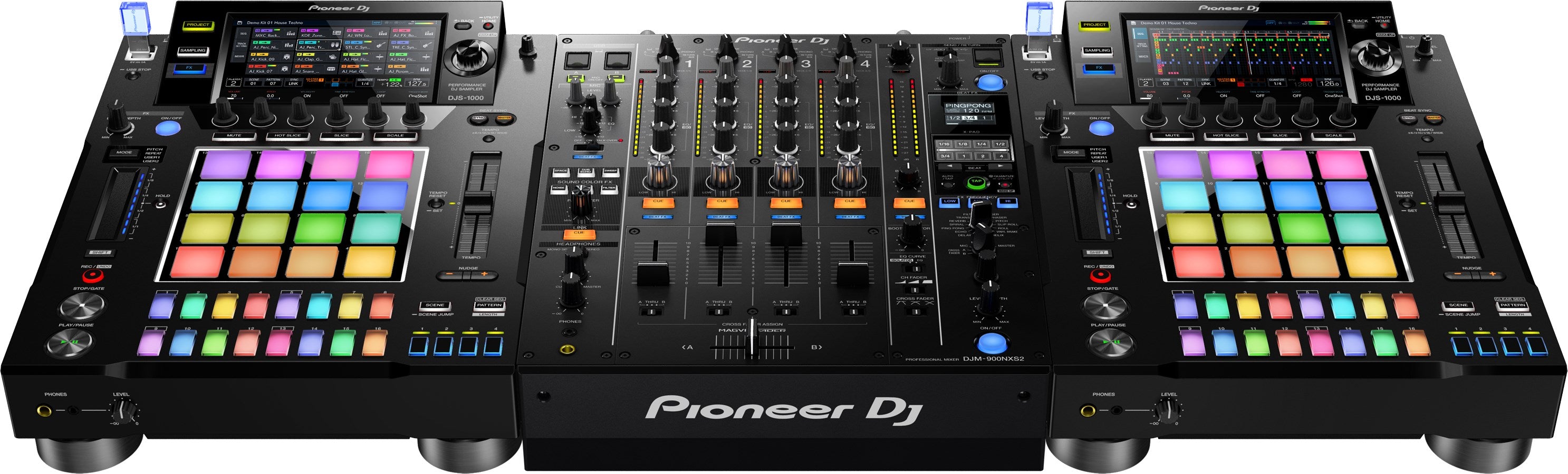
- Perfect companion to a NXS2 setup
- Intuitively create unique sounds and phrases in advance of your set, or on the fly
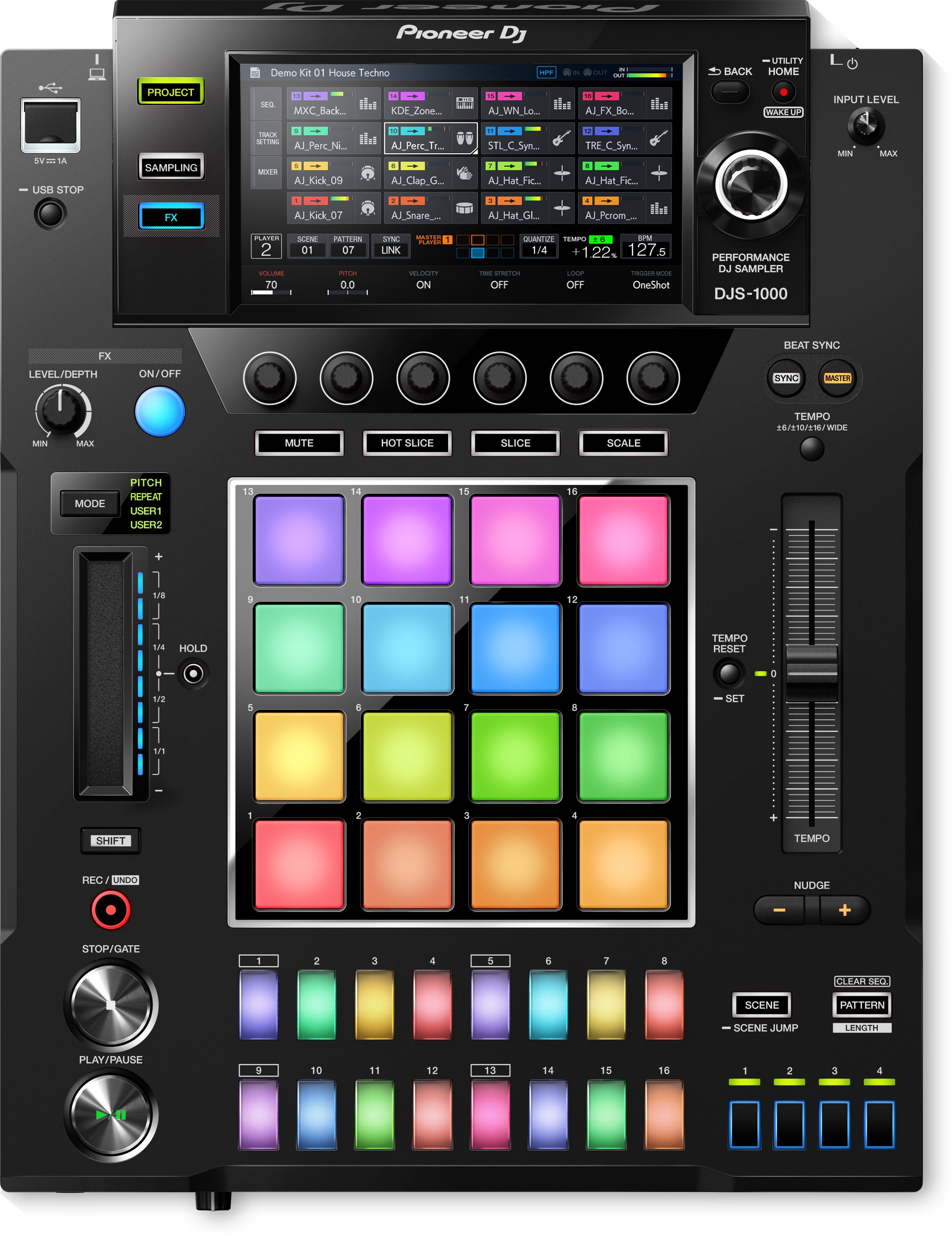
- 7-inch full-color touchscreen
- 16 multicolored step input keys and Performance Pads
- Plays content from TORAIZ SP-16 like any other track
- Includes DJS-TSP Project Creator software and onboard Loopmasters content
Pioneer DJ DJS-1000 - Performance DJ Sampler
Product Details
Product Features
Pioneer DJS-1000
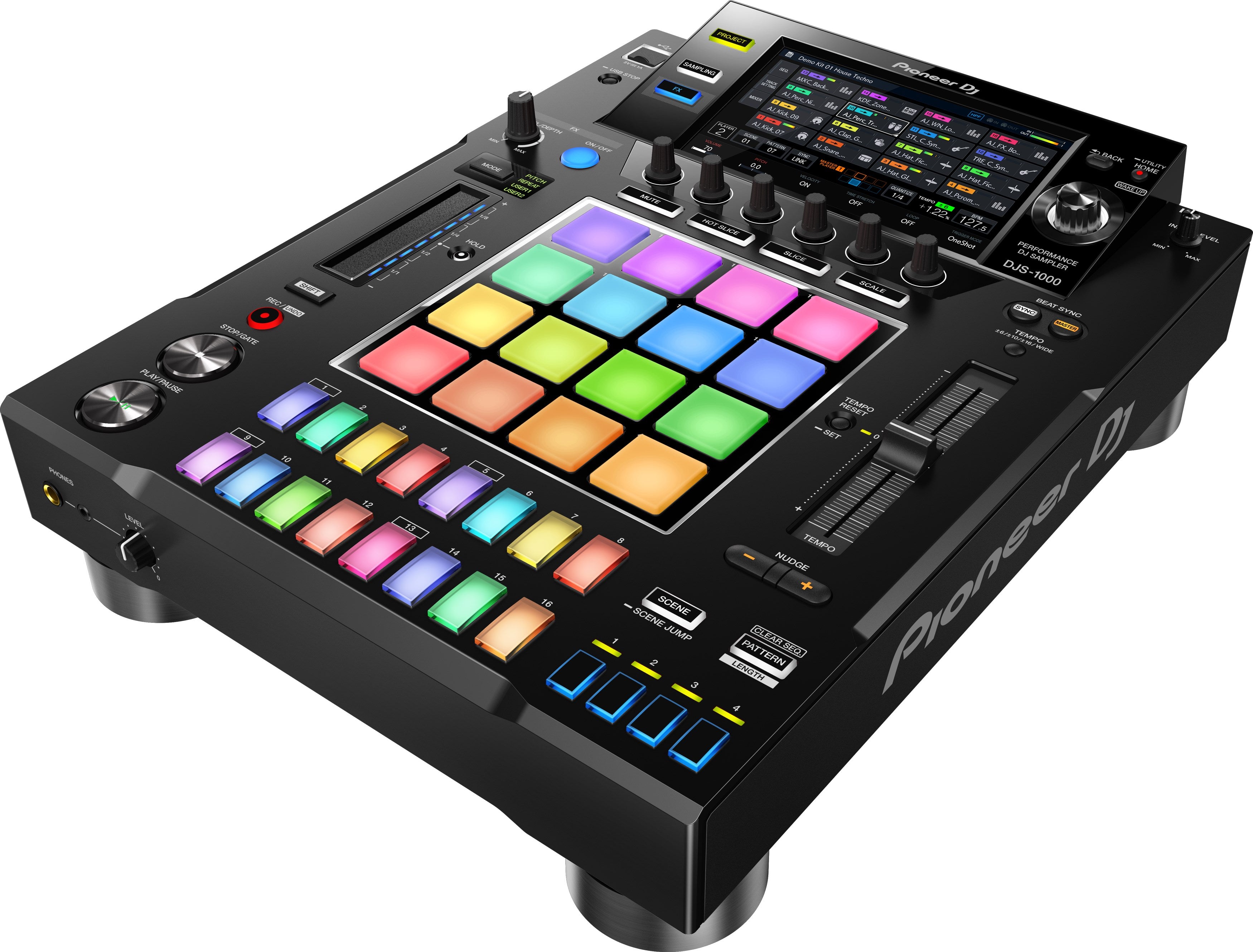
Add the DJS-1000 to your DJ set-up to intuitively create unique sounds and phrases in advance of your set, or on the fly. Use the DJ-friendly interface to sequence and loop your samples as you wish.
With a 7-inch full-color touchscreen, 16 multicolored step input keys, multicolored Performance Pads, a host of inputs and outputs, Live Sampling and various other performance features, having the DJS-1000 in the booth will propel your sets to the next level.
Key Features:
Step Sequencer
Easily create a new groove by tapping the 16 large, multicolored step input keys. Thanks to the keys’ changing colors, you can keep an eye on sequence information on each track, at all times.
Tactile Performance Pads
Load up to 16 samples to the large rubber pads, then finger drum freely to layer sounds on-the-fly. The multicolor LEDs show what samples are in play, while Velocity Mode lets you control the sample volume with the amount of pressure you apply.
Touch Strip
Simply touch the strip to change the pitch while using the Pitch Bend feature, or play a drum roll by hitting the Note Repeat option. Customise parameters for even more creative possibilities.
7-Inch Touch Screen
Tap the LCD display to instantly access one of three screens. The Home screen for an overview of assigned samples, the Sequence screen to view the currently playing sequence pattern and the Mixer screen to adjust each track’s volume.
Accurate Syncing
Sync up your DJS-1000 to a CDJ or XDJ set-up using Pro DJ Link. Thanks to the Beat Sync function, a tempo slider and a Nudge button, you’ll adjust tempo and beat position manually, just like you would on a turntable.
Live Sampling
Sample input sounds and instantly use them as individual tracks. Your sampled sounds are automatically synchronized with the current sequence. Play them in a loop and drop them straight into a live remix.
Other Features
FX
Add flair to your set and be inspired by the moment, using various FX to boost your tracks with ease, changing the tone of the track on the fly.
Made for the booth. The DJS-1000 pad player will fit right in next to your NXS2 setup in the booth.
USB supported
Manage your projects and samples easily with the USB input, allowing you to browse your tracks at a glance and have your whole library at your fingertips.
On-board samples
Start performing with the DJS-1000 straight out of the box by using the onboard Loopmaster samples and enriching your tracks.
DJS-TSP Project Creator support
Create projects and SCENEs on a PC or Mac using the DJS-TSP Project Creator software that’s compatible with the DJS-1000.
TORAIZ SP-16 support
Care to play files created using TORAIZ SP-16? The DJS-1000 plays your creations as it would any other track.
Product Specifications
Main Features
Specifications
Plays |
|
|---|---|
USB Storage Support |
|
Included Accessories |
|
Width |
320 mm |
|---|---|
Height |
110.1 mm |
Depth |
421.6 mm |
Weight |
5.4 kg |
Frequency Range |
20 - 20000 Hz |
Distortion |
< 0.003 % |
Power Consumption |
26 W |
Power Consumption (Standby) |
< 0.4 W |
Terminals
Inputs |
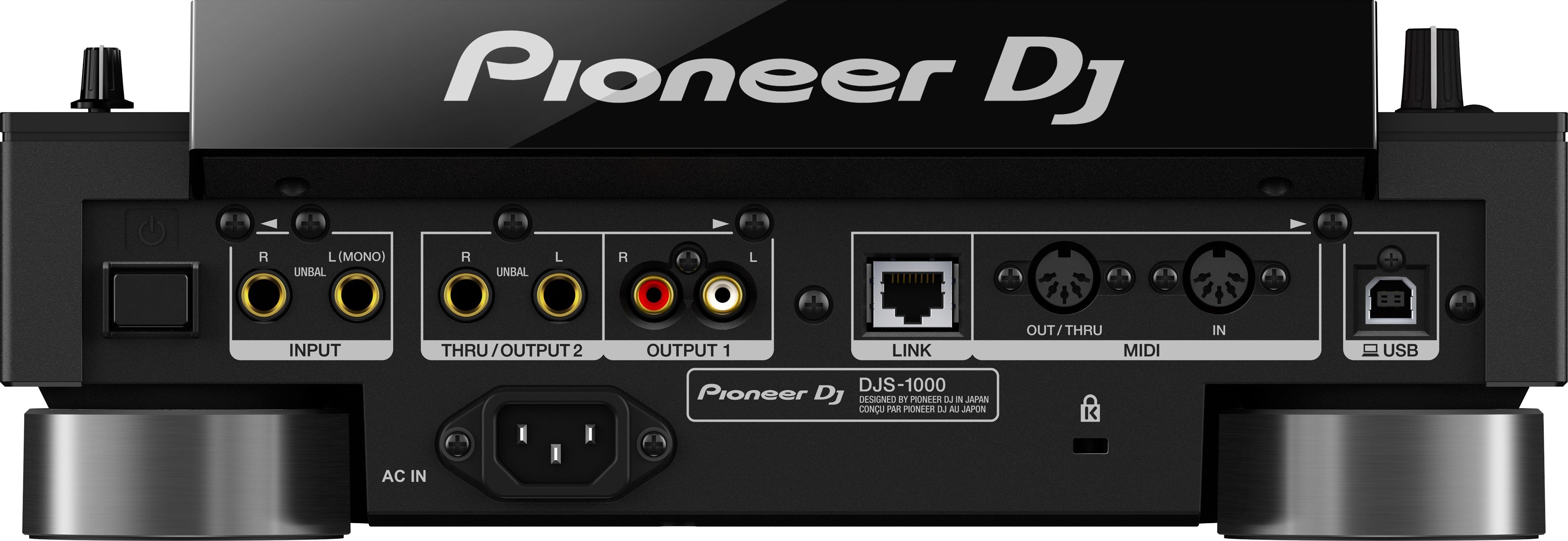
1 INPUT (L/MONO & R, 1/4 inch TS jack) |
|---|---|
LAN |
1 (100Base-TX) |
USB |
|
Outputs |
|
MIDI |
|
What's included
If you have any questions, you are always welcome to contact us. We'll get back to you as soon as possible, within 24 hours on weekdays.
-
Shipping Information
Use this text to answer questions in as much detail as possible for your customers.
-
Customer Support
Use this text to answer questions in as much detail as possible for your customers.
-
FAQ’s
Use this text to answer questions in as much detail as possible for your customers.
-
Contact Us
Use this text to answer questions in as much detail as possible for your customers.